New · v3.2 with Google Drive Backup

Write freely.
Find easily.

The micro-journaling app that combines the structure of the Bullet Journal method with 20+ beautiful themes, drawing, stickers, and complete on-device privacy.

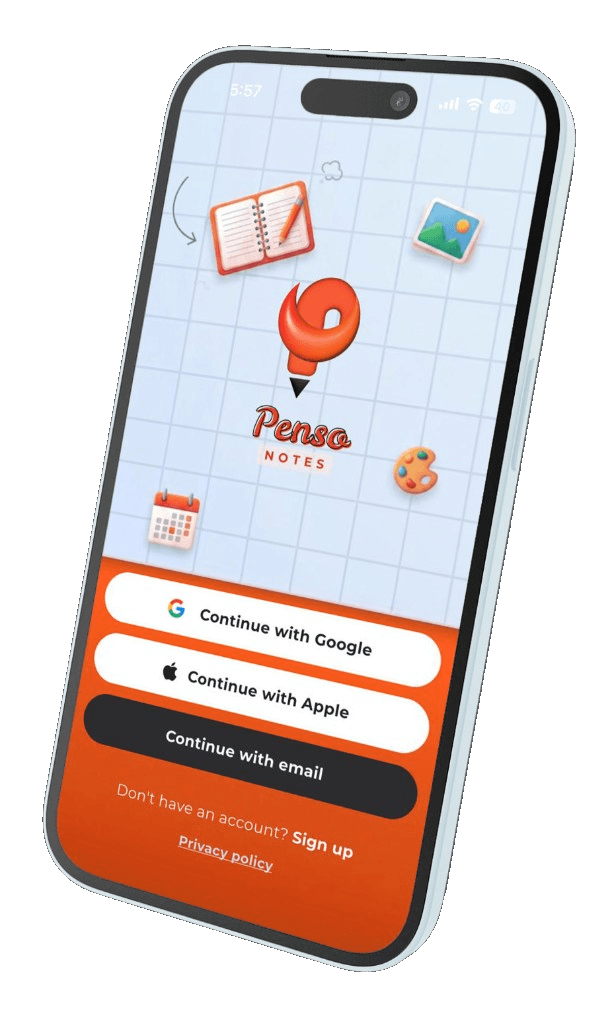
Penso Notes app on iPhone — sign in to start journaling
20+ themes
Private & on-device
Google Drive backup

Everything your journal needs. Nothing it doesn't.

Twelve thoughtful features, all working together. Bullet journal structure, beautiful aesthetics, real privacy.

★ Signature

20+ handcrafted themes — your journal, your aesthetic.

Dark, light, warm, minimal, photographic — every taste covered. Most apps offer three.

Penso Orange
Digital Zen
Festive Pop
Dot Grid

Rapid Logging

Capture thoughts the moment they hit. Custom bullets, tasks, events, notes.

Instant Search

Find any entry in seconds. Search by tag, bullet type, or date.

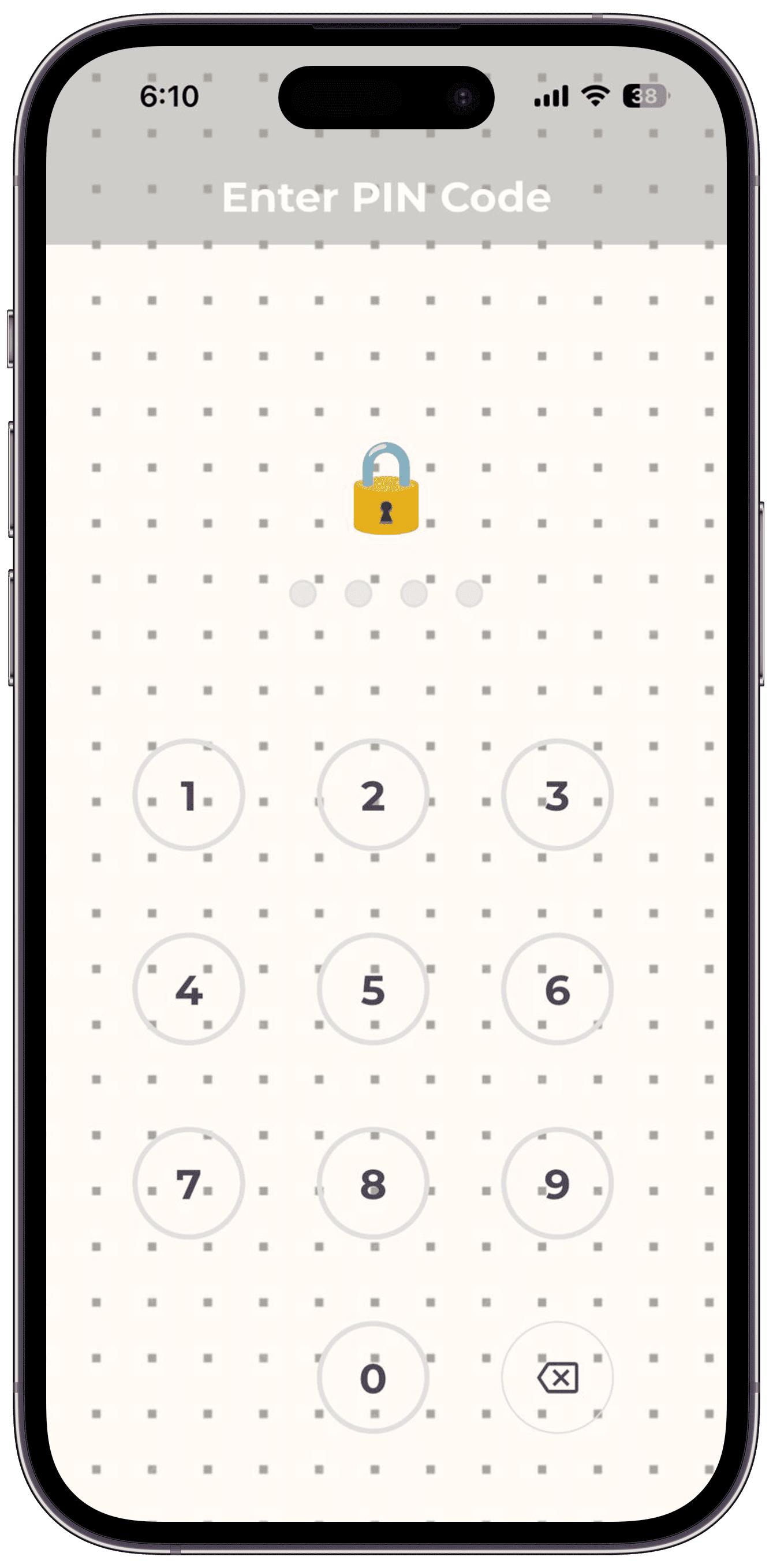
PIN Lock

A quick PIN keeps your journal locked the moment you put your phone down.

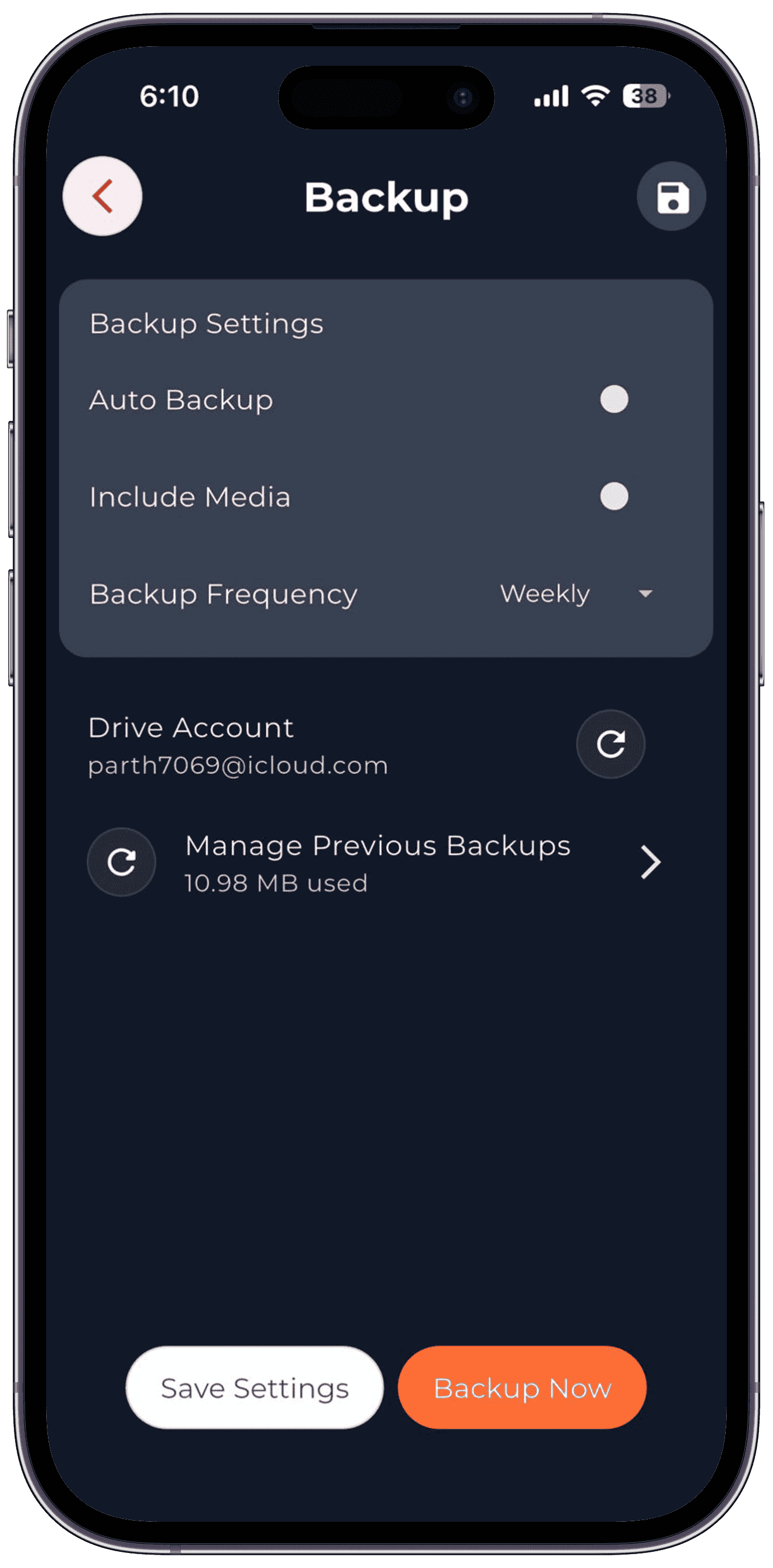
Google Drive Backup

To your account. Encrypted on-device. Penso never sees a thing.

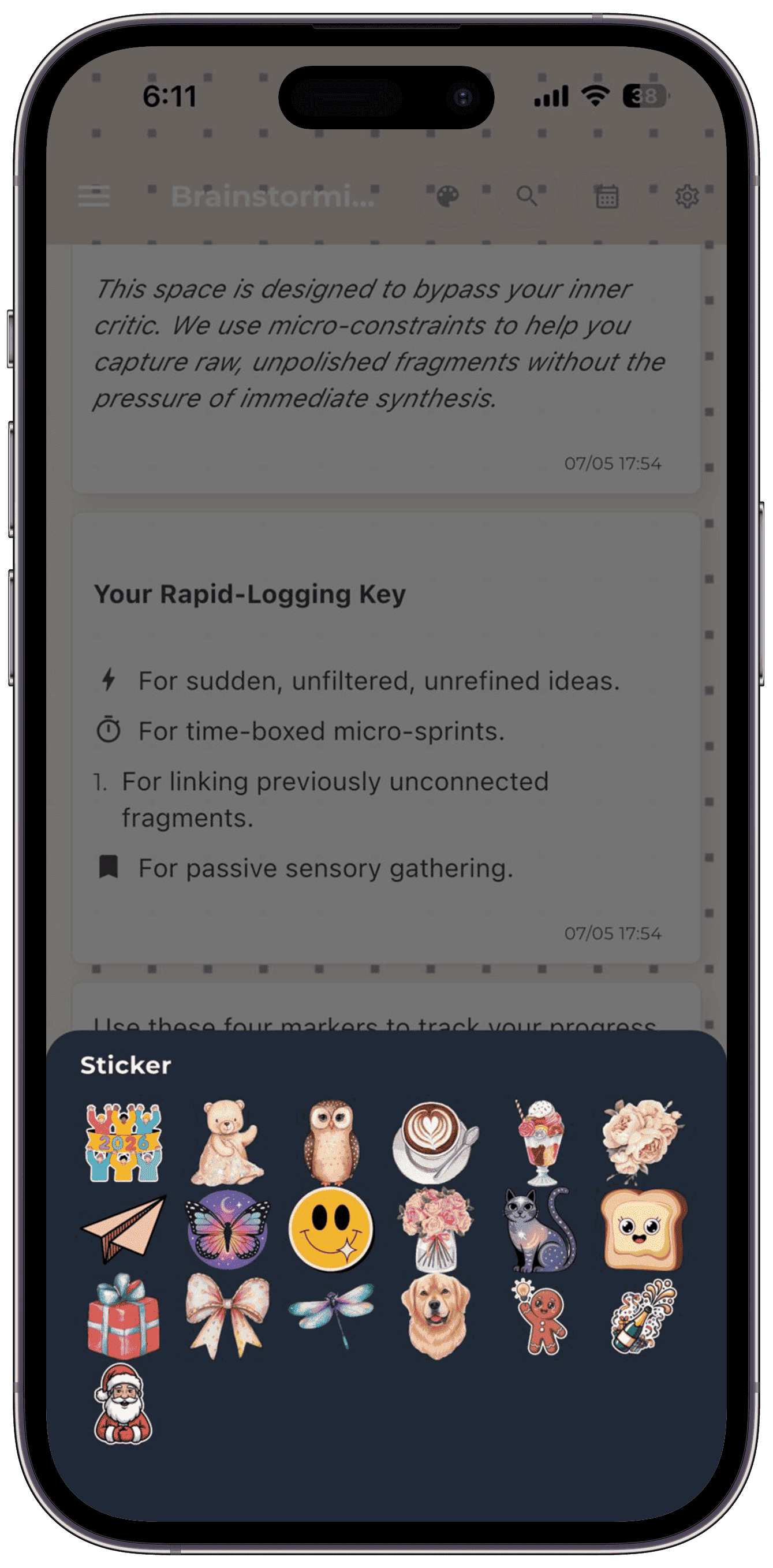
Drawing & Stickers

Doodle, decorate, and stamp. 200+ stickers across moods, life, and seasons.

Calendar & Reminders

Google Calendar sync. Recurring reminders. Your day already in the diary.

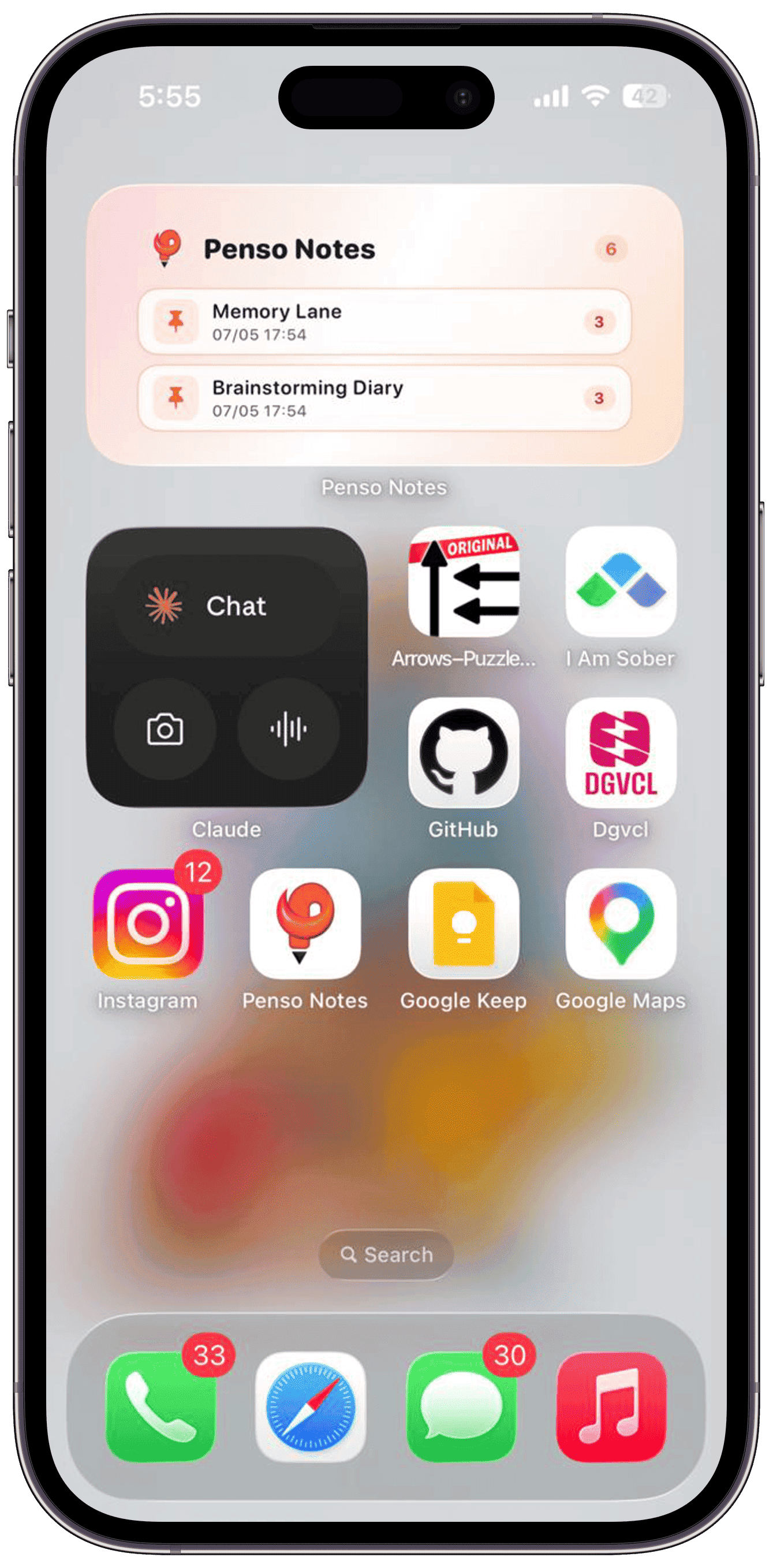
Home Screen Widgets

Pinned diaries, daily prompts, and streaks — right on your home screen.

Multiple Diaries

One for work. One for memories. One for ideas. One for staying calm. Switch with a swipe.

100% on-device

No accounts. No cloud sync to our servers. Your journal lives on your phone. Period.

What is micro-journaling?

Traditional journaling asks for time you don't have, energy you've already spent, and perfect sentences you can't form. So you quit.

Micro-journaling is the opposite. It works in seconds. It requires no structure. It meets you exactly where your brain is — fragmented, moving, overwhelmed.

“Your brain was never designed to hold everything. Micro-journaling gives it somewhere to put things down.”
Capture a thought in under 60 seconds
No prompts required — write what's true right now
Build emotional clarity without the pressure of "journaling"
Return to your entries as breadcrumbs of your actual thinking

Traditional journaling vs. micro-journaling

Same intention — radically different friction.

Traditional journaling

  • Needs 20+ minutes
  • Requires full sentences
  • High friction to start
  • Guilt when you skip days

Micro-journaling with Penso

  • Capture in under 60 seconds
  • Any format — fragments are fine
  • Works in any moment of your day
  • No streaks. No pressure. Just capture.

What micro-journaling actually looks like

No perfect prose. No structured reflection. Just honest, fast captures.

Afternoon capture

3:14pm — can't focus. wrote down the one thing I actually need to finish today. feel lighter.

Brain dump

voice memo → 'call dentist, idea for newsletter, feeling anxious about Friday'

Bullet migration

☾ closed the loop on the project I kept avoiding. migration done.

Why micro-journaling actually works

Cognitive offloading, attention fragmentation, and memory decay — explained plainly.

Cognitive offloading

Externalizing thoughts reduces mental load. When you capture a thought, your working memory releases it — you think more clearly immediately after.

Attention fragmentation

Thoughts that aren't immediately captured are almost always lost. Fast capture is the only defense against fragmented attention.

The Zeigarnik effect

Uncompleted thoughts occupy disproportionate mental space. Writing them down — even incompletely — signals closure to your brain.

Low friction = consistency

The harder a behavior is to start, the less likely you are to continue. Micro-journaling removes every barrier — no blank page, no timer, no guilt.

Emotional continuity

Reading back micro-entries reveals patterns invisible in the moment — anxiety cycles, energy rhythms, recurring themes.

Memory decay is fast

We lose 50% of new information within an hour. Micro-journaling meets thoughts at the point of generation — before they vanish.

Your journal. Your aesthetic.

Most journaling apps give you 3 options. Penso gives you 20+. Hover or tap a theme to see it on the phone.

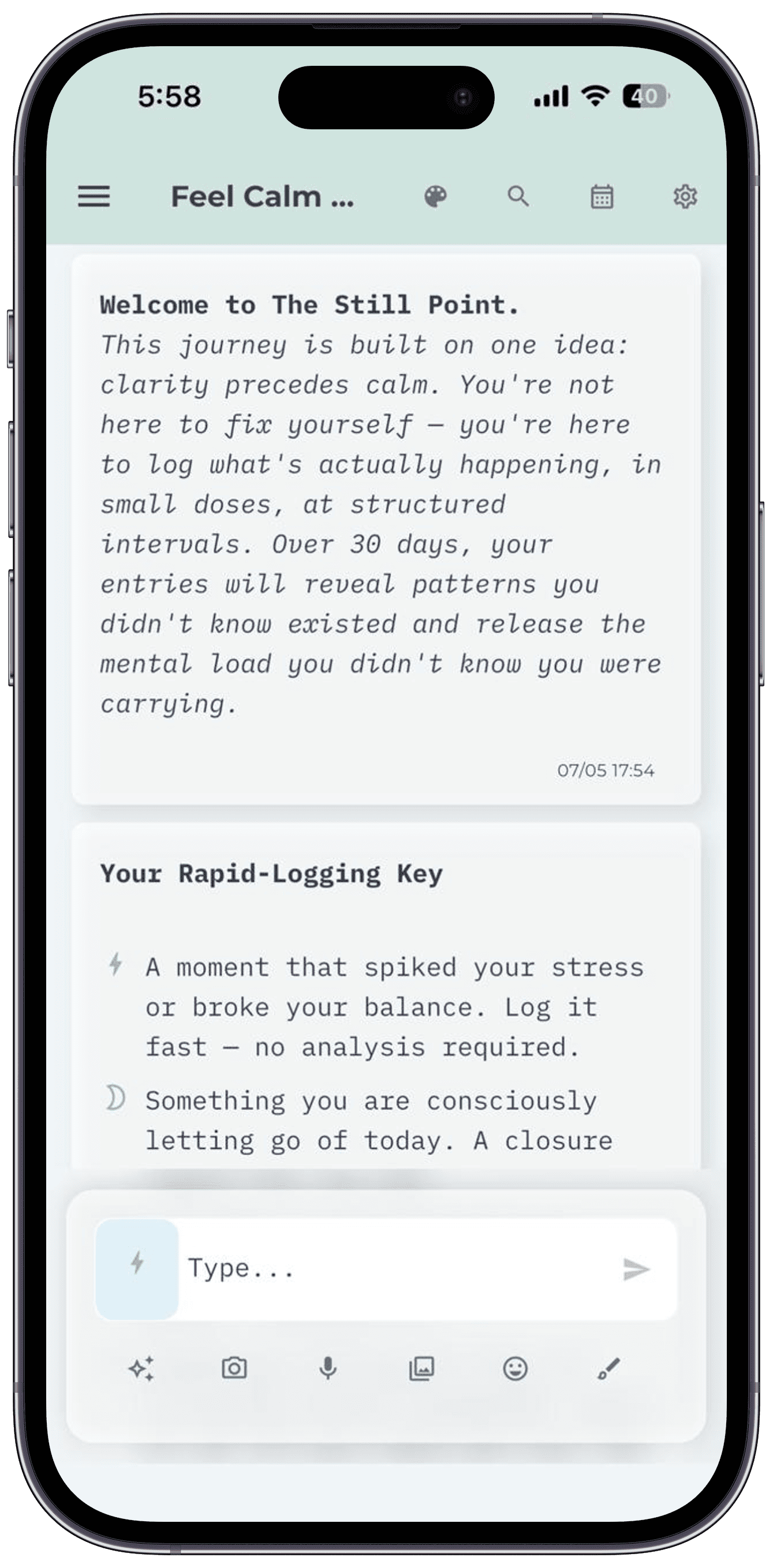
Now previewingDigital ZenLight theme
Penso Notes — Digital Zen theme
Pick a theme6 of 20+ shown

14 more themes wait in the app — including AMOLED black, Sage Garden, Rose Gold, and seasonal festival themes.

Built for how you actually journal.

The features that matter most, brought together in one quiet, private app.

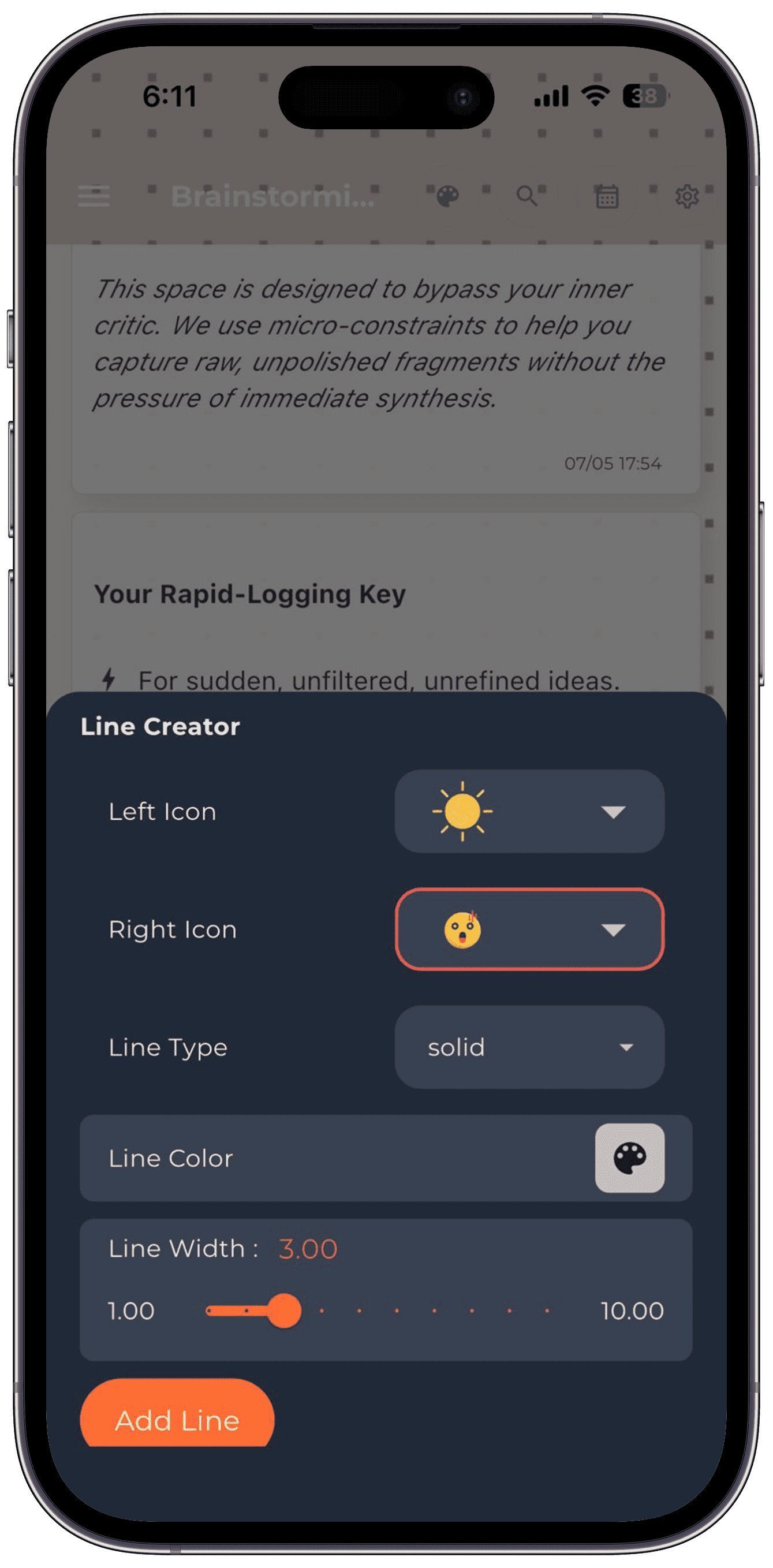
Rapid Logging

Capture thoughts at the speed of thinking.

Type, tap, done. The Bullet Journal method — perfected on phone. Tasks, events, notes, and your own custom bullets, all in one stream.

  • Custom bullet markers with the Line Creator
  • Drag-to-migrate tasks across days
  • Tags, search, and date-jump always one tap away
Drawing & Stickers

When words aren't enough.

Doodle in the margins. Stick a 🌸 on a hard day. Stamp your journal the way you'd stamp a real one — only this one fits in your pocket and never runs out of pages.

  • Freehand drawing with pressure-sensitive brushes
  • 200+ stickers across moods, life, and seasons
  • New sticker packs added regularly
Backup & Sync

Your data. Your Google Drive. Your control.

Penso never sees your entries. Backups go directly to your own Google Drive account, encrypted on your device. Restore on a new phone in one tap.

  • End-to-end encryption before upload
  • Auto-backup weekly or on-demand
  • Restore from any previous backup with full media
Privacy by default

Locked. Private. On-device.

PIN lock and local-only storage. No accounts required to start. No tracking pixels, no analytics on your entries. Read our privacy policy — it's surprisingly short.

  • 4-digit PIN lock
  • Zero servers see your journal text
  • Anonymous crash analytics only (opt-out anytime)
Capture thoughts at the speed of thinking.
When words aren't enough.
Your data. Your Google Drive. Your control.
Locked. Private. On-device.
Home Screen Widgets

Your most-used diaries, one swipe away.

Pin diaries to your iOS or Android home screen. Tap to open straight into rapid logging.

Home screen widget
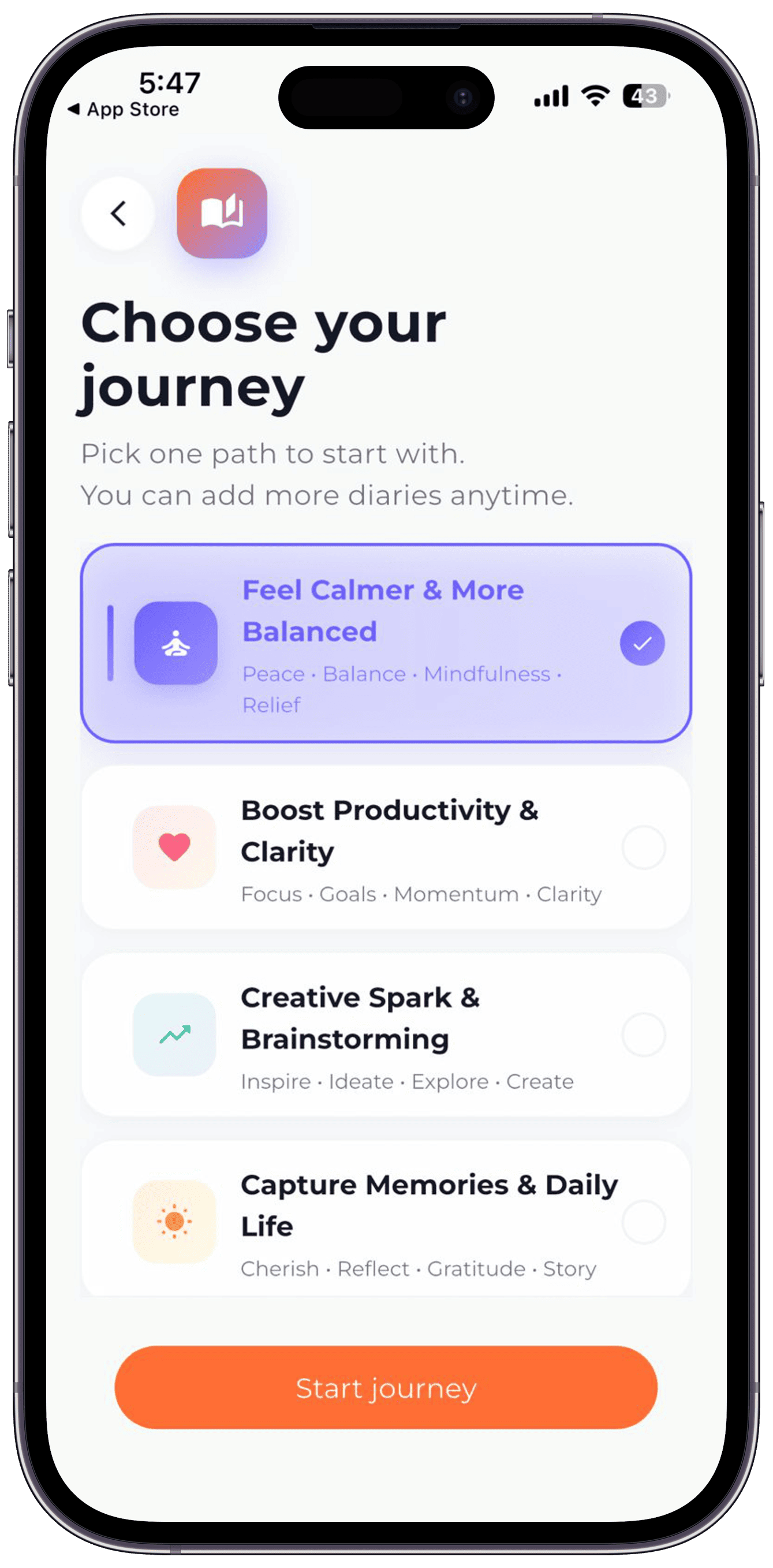
Choose Your Journey

Four ways to start. All in one app.

Pick the journaling path that fits your moment — calm, productive, creative, or memoir-style. Switch any time.

Choose your journey

People keep coming back.

Real reviews from the Play Store. No edits.

★★★★★

This is a fantastic application. This app has a very user friendly interface and by using this app now I can manage all the things such as notes, meeting reminder, and calander via single application.

NK
Nayan Kalsariya
Play Store
★★★★★

really good app for making your official as well as personal notes.. very friendly

NT
Nabajyoti Talukdar
Play Store
★★★★★

I generally use google keeps, But when I got to know this app, I completely switch my all notes to organised diaries. Its very good for meetings and quick note taking. Also Its very easy to log memory with cool themes and best customisable options.

HD
Hardik Dhameliya
Play Store

Your thoughts deserve
a proper home.

Free, beautifully designed, and on-device private. Start journalling in 60 seconds.

20+ themes
Google Drive backup
On-device private
PIN lock